

AI Won't Replace HR Pros — But HR Pros Who Use AI Will

AI is already doing real HR work — screening CVs before lunch, drafting a policy in minutes, building the payroll formula you were about to Google. And the gap between HR people who use it and the ones who don't is widening every month.
None of them are smarter than you. They just started.
This is your head start: the actual prompts, the actual setup, and the actual sheet formulas HR teams across Egypt and MENA are using right now. Each part below stands on its own — together they're everything you need to stop watching the shift and start leading it.
1. Steal these: ChatGPT & Claude prompts for everyday HR
The slowest parts of your week — job descriptions, CV screening notes, interview questions, rejection emails, policy drafts — are exactly what these tools do well. Done right, you reclaim whole afternoons. Done lazily, you ship generic, biased, or non-compliant text. The whole difference is the prompt.
Two you can paste today:
Screening summary: "You're an HR screening assistant. Must-haves: [paste]. Here's a CV with the name and contact removed: [paste]. Reply in 5 lines: fit /10, top 2 strengths, top 2 gaps, and one question for the screening call. Don't invent anything that isn't in the CV."
Warm rejection: "Write a kind, specific, 4-sentence rejection email to a candidate we interviewed for [role]. Thank them, no false hope, invite them to apply again."
The same approach turns a blank page into a first draft for AI CV screening, offer letters, onboarding plans, and bilingual announcements.
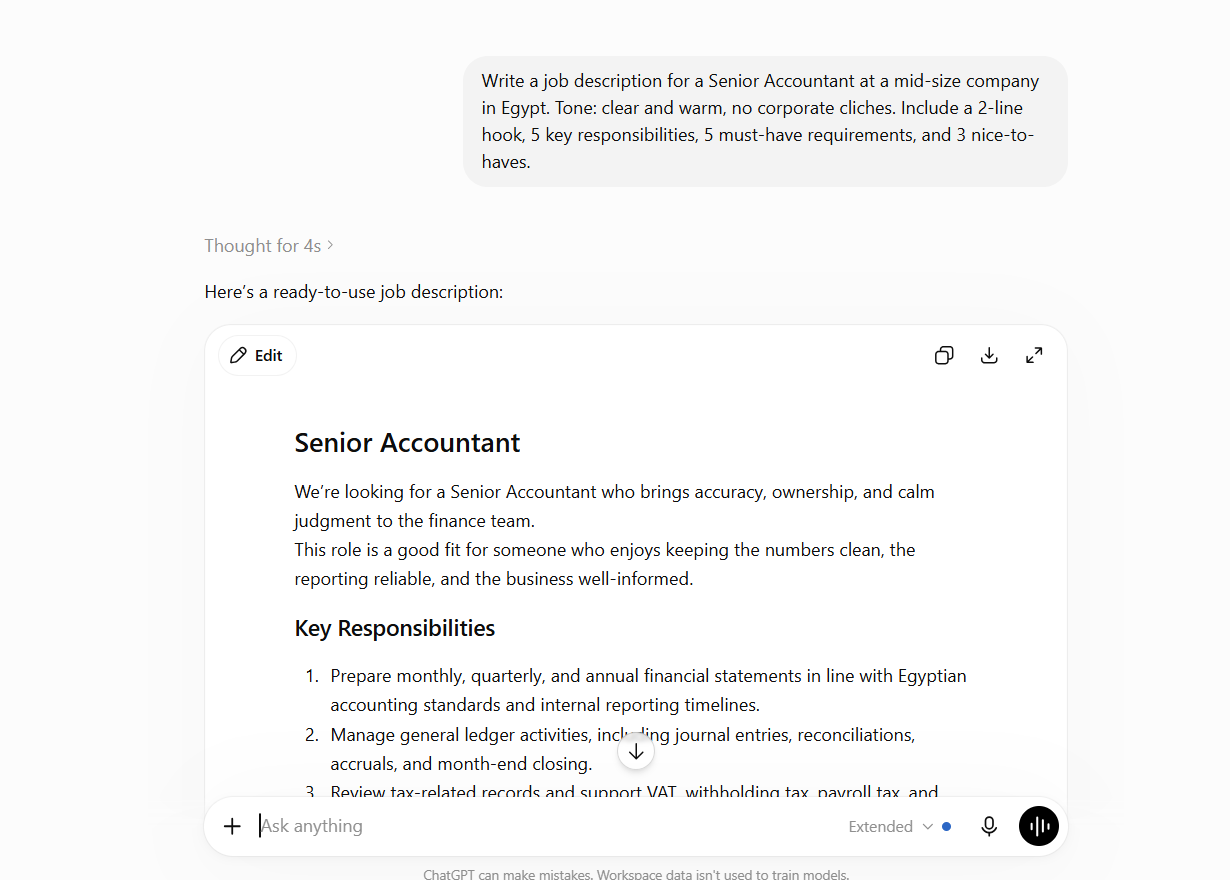
The HR AI Prompt Pack — 52 prompts for ChatGPT & Claude
Every prompt above plus 50 more — recruiting, screening, onboarding, performance, payroll admin and offboarding. Replace the [brackets] and paste. Built for Egyptian HR.
2. Build a Claude "skill" that runs HR your way — once, then reuse forever
One-off prompts are great until you're re-typing the same context 30 times a day. A Claude skill (or Project) is a reusable assistant you set up once — your tone, your policies, your guardrails baked in — so every answer comes out consistent and on-brand, in Arabic or English. Think of it as a junior HR assistant that never forgets your rules.
What goes in it: a clear role ("You're the HR assistant for [company], in Egypt"), your real policies (leave, notice periods), your voice, and hard guardrails — never store an employee's personal data, and flag anything legal or disciplinary to a human. Set it up once, and stop re-explaining yourself.
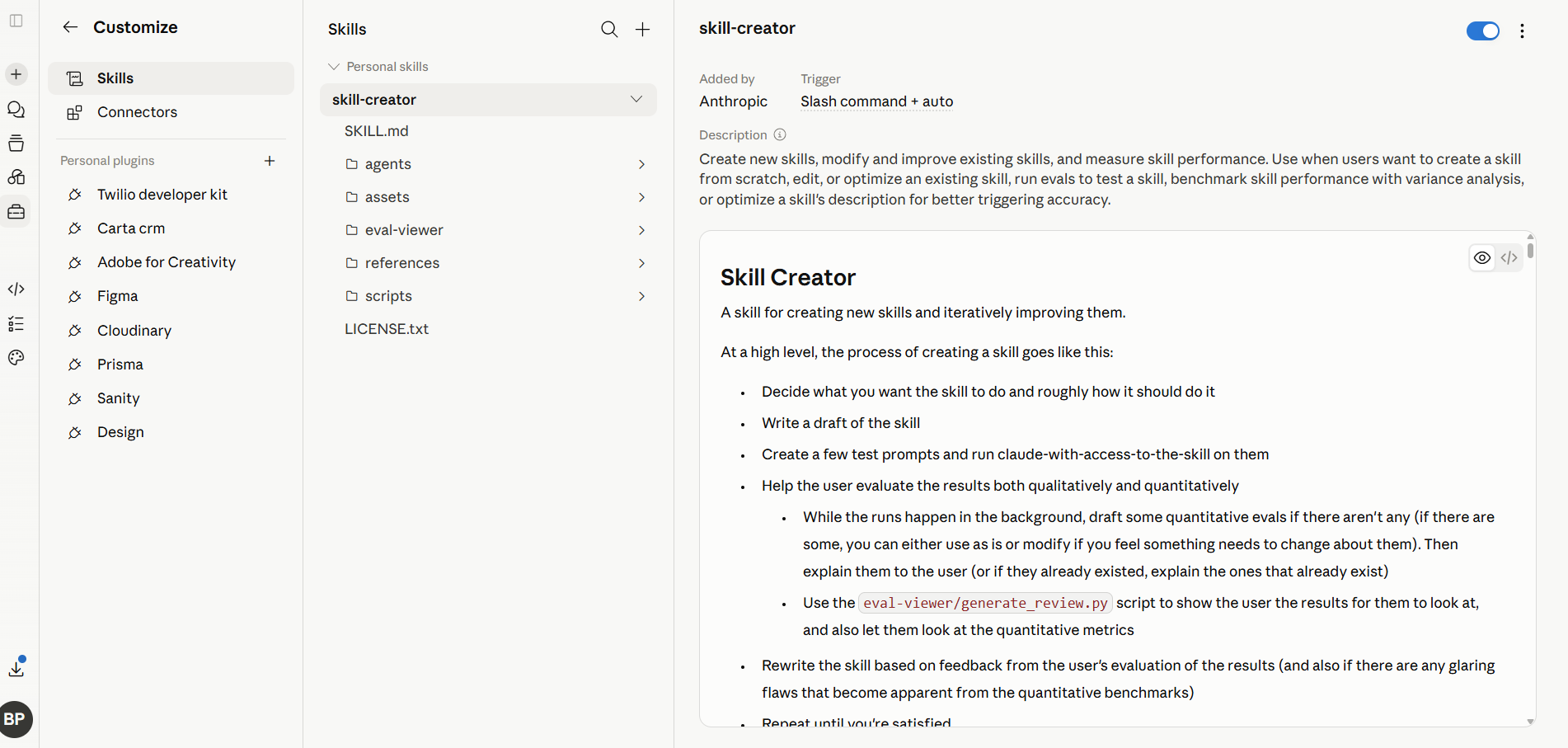
Build Your HR Claude Skill
The 7-step setup plus a ready-to-edit Egyptian-HR skill template you can paste straight into Claude — with the privacy guardrails already written.
3. Run HR in Google Sheets? Let Gemini do the heavy lifting
A huge share of HR freelancers and small Egyptian teams run everything — leave, headcount, payroll drafts — in Google Sheets. Gemini lives inside Sheets now. It writes the formula you were about to Google, summarizes a feedback column, sorts 200 rows, and drafts the note for you.
A taste — paste these into the Gemini side panel:
"Write a formula in C2 that counts annual-leave days taken per employee from the 'Leave' sheet (employee in column A, days in column C)."
"Summarize the comments in column F into the 5 most common themes."
Keep identifiable employee data out of anything that leaves your control, and check a formula before you trust it with a payroll number. For net pay the tax brackets get fiddly — use our free Egypt salary calculator instead of a formula that breaks.
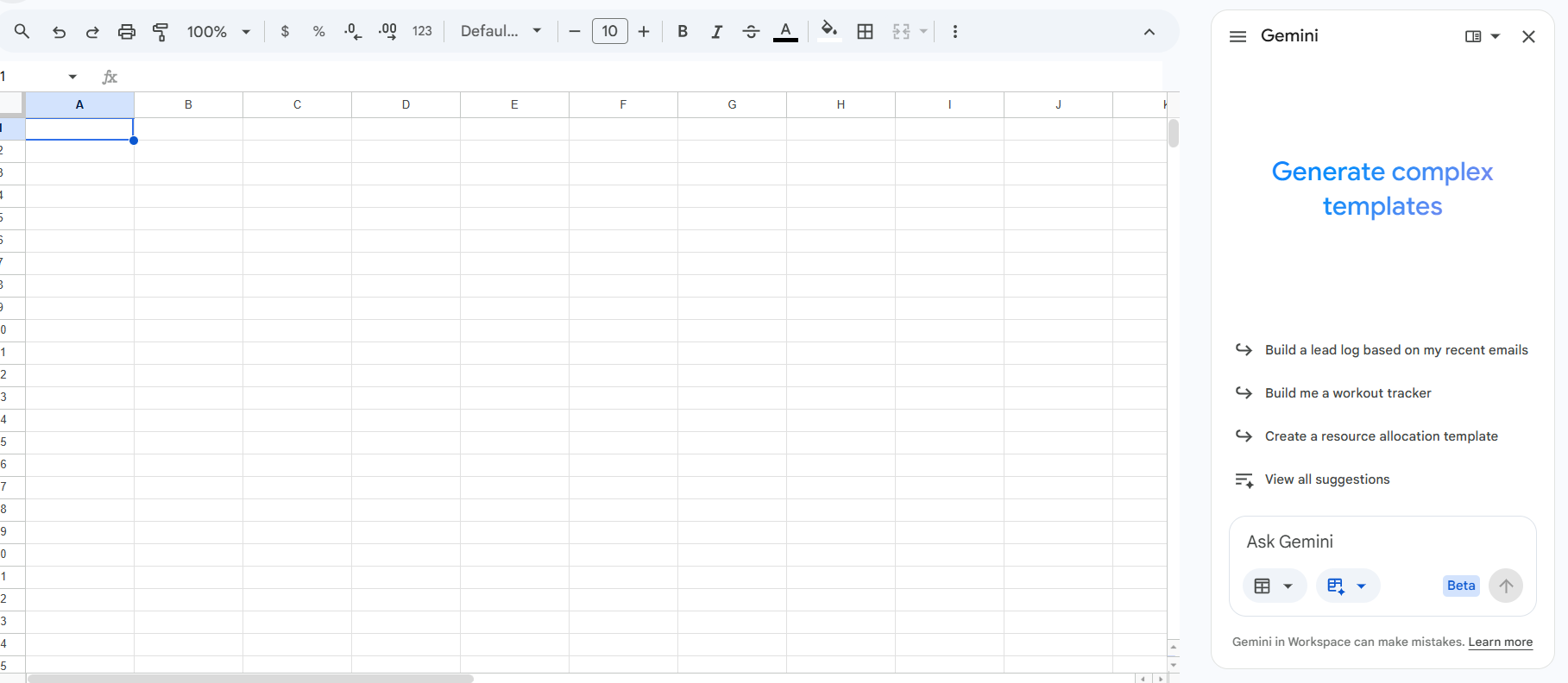
Gemini for HR in Google Sheets
The HR formulas (tenure, leave balance, headcount, social insurance), the Ask-Gemini prompts, and a starter workbook you can copy.
The honest catch
Prompts, skills, and Sheets tricks make you faster. They don't connect your hiring to your payroll, and they won't keep your employee data in one compliant place. That's the difference between using AI and working on an AI-native platform.
It's why we built The Five HR — recruitment, Egyptian payroll, and people management on one shared record, with the AI built in (draft JDs, summarize CVs, write messages) and your data staying yours.
The HR pros pulling ahead this year aren't the most experienced. They're the ones who started. You just got the head start — use it.
Stop watching the shift. Start leading it.
Recruitment + Egyptian payroll + AI on one record. On the Free plan — no card, 10-minute setup.
Start on the Free planAI in HR — quick answers
Will AI replace HR jobs?
Not on its own. AI replaces specific tasks — drafting, summarizing, formatting — not the judgement, relationships, and care that HR runs on. The real risk isn't AI; it's an HR professional who refuses to use it being out-paced by one who does.
Is it safe to use ChatGPT or Claude with employee data?
Treat public AI tools as public. Never paste a candidate's or employee's name, national ID, phone, or salary into them — strip identifying details first, or use a tool that keeps your data private (like The Five HR's built-in assistant).
Which AI tool is best for HR?
They do different jobs. ChatGPT and Claude are best for writing and reasoning (JDs, screening notes, policies); a Claude skill makes that reusable and consistent; Gemini is most useful inside Google Sheets for formulas and quick analysis.
How do I start using AI in HR today?
Pick one slow, repetitive task — job descriptions are a good first one. Grab a ready-made prompt from the free pack above, replace the [brackets] with your details, and run it this week. Build from there.